Most email automation fails because the team starts with the flow chart.
Welcome flow. Abandoned cart flow. Lead nurture flow. Winback flow. Re-engagement flow. Post-purchase flow.
Those names are useful for organizing work, but they are not a strategy by themselves. A flow name does not tell the team what the customer needs, what moment triggered the message, what risk the message reduces, or when the sequence should stop.
Email marketing automation strategy is the operating logic behind the messages. It decides which customer moment deserves follow-up, what the message should help the customer do, what data should trigger it, what should suppress it, and how the team will judge whether it worked.
Good automation does not make marketing feel automatic. It makes the next useful step arrive on time.
That matters after a customer responds to a page, offer, purchase, inquiry, or content asset. A strong landing page conversion strategy can earn the action, but the follow-up system determines whether that action becomes trust, revenue, retention, or noise.
The goal is not more emails. The goal is fewer missed moments.
Start with the customer moment
A useful automation starts with a real customer moment.
Common moments include:
- A person asks for a quote, audit, demo, guide, or consultation
- A new buyer needs reassurance after purchase
- A customer hits the point where repeat action is likely
- A prospect compares options but does not act
- A subscriber engages with a topic repeatedly
- A customer stops responding after a previously active period
- A buyer takes a high-value action that needs sales or support follow-up
Each moment should answer a simple question: why would this message be useful now?
If the team cannot answer that, the automation may only exist because the tool made it easy to create.
The difference matters. "Send day three email" is a schedule. "Help a new buyer understand what happens after the request" is a job. "Send a discount after inactivity" is a tactic. "Give a customer a low-risk reason to return before the habit breaks" is a strategy.

Automation should open at real customer moments, not because the team needed another scheduled send.
For a service business, the moment may be inquiry, qualification, proposal review, no-show risk, sales handoff, or post-call follow-up. For ecommerce, the moment may be first purchase, replenishment timing, category interest, product education, review request, or winback.
For local businesses, the moment may be appointment, reminder, post-visit review, referral, or reactivation.
The moment shapes the message.
Give every automation one job
An automation should not try to educate, sell, qualify, retain, cross-sell, collect feedback, and revive the customer all at once.
Give each sequence one lead job.
Useful automation jobs include:
- Confirm: make the customer feel the action worked
- Orient: explain what happens next
- Educate: help the person use the product or understand the process
- Qualify: collect the information needed for a better next step
- Reassure: reduce perceived risk
- Convert: move a known buyer toward action
- Retain: create a reason to return or repeat
- Rescue: catch delay, confusion, or churn risk
- Learn: collect feedback, objections, or preference data
The job should also match the customer's stage. A brand-new lead usually needs orientation before a hard sell. A new customer may need reassurance before a review request. A repeat buyer may need convenience more than education. An inactive customer may need a better reason than "we miss you."
Automation gets stronger when the team stops asking, "What should we send?" and starts asking, "What decision should this message make easier?"
That question also keeps the copy from getting bloated. A confirmation email can be short. A comparison email may need proof. A rescue email may need a clearer next step. A retention email may need timing and relevance more than clever language.
Use behavior before persona labels
Most weak automations rely on broad labels.
New lead. Returning customer. VIP. Subscriber. Trial user. Inactive buyer.
Those labels can help, but behavior is usually more useful. A person who viewed the same service page three times is different from someone who downloaded a general guide once.
A customer who bought once and returned within 30 days is different from a customer who bought once and disappeared. A prospect who clicked a pricing page after a sales call is in a different moment than someone reading an awareness article.
Good automation listens for behavior that changes the next useful message.

Behavior signals can include:
- Form type
- Page topic
- Product category
- Purchase timing
- Repeat purchase interval
- Email engagement
- Sales stage
- Appointment status
- Support issue
- Content interest
- Location or service area
- Quote, proposal, or cart status
The point is not to collect everything. The point is to use enough signal to make the message feel relevant.
Segmentation should make the email easier to understand, not harder to operate. If a segment requires constant manual repair, it may not be worth it yet. Start with a few high-value signals the team can trust, then expand.
Make the follow-up match the promise
Automation should continue the promise that earned the response.
If someone requests an audit, the follow-up should confirm what the audit covers, what happens next, and what they may need to prepare. If someone downloads a comparison guide, the follow-up should help them compare, not immediately push a generic sales pitch. If someone buys a starter product, the follow-up should help them get value from that product before asking for more.
That connection is where many systems break.
A campaign promises one thing. The form confirms another. The email sequence says something generic. Sales follows up with a different framing. The customer feels the gap.
Automation should protect continuity across the marketing offer strategy, landing page, sales handoff, and customer experience.
Useful first follow-up details include:
- What the person requested
- What happens next
- Expected timing
- Who the message is from
- What the customer can do now
- What proof or context helps the next step
- How to get help if the path is wrong
The first message after an action should not feel like the customer fell into a generic list.
Build exit rules before launch
Automation needs stop rules.
Without exit rules, the system keeps sending messages after the customer has already acted, changed stage, become disqualified, purchased, booked, canceled, unsubscribed, or shown a stronger intent somewhere else.
That is when automation feels careless.
Exit rules answer:
- When should the sequence stop?
- What action moves the person into a new path?
- Which signals suppress the next send?
- When should sales or support take over?
- When should the customer be left alone?
- What mistake would make this flow embarrassing?
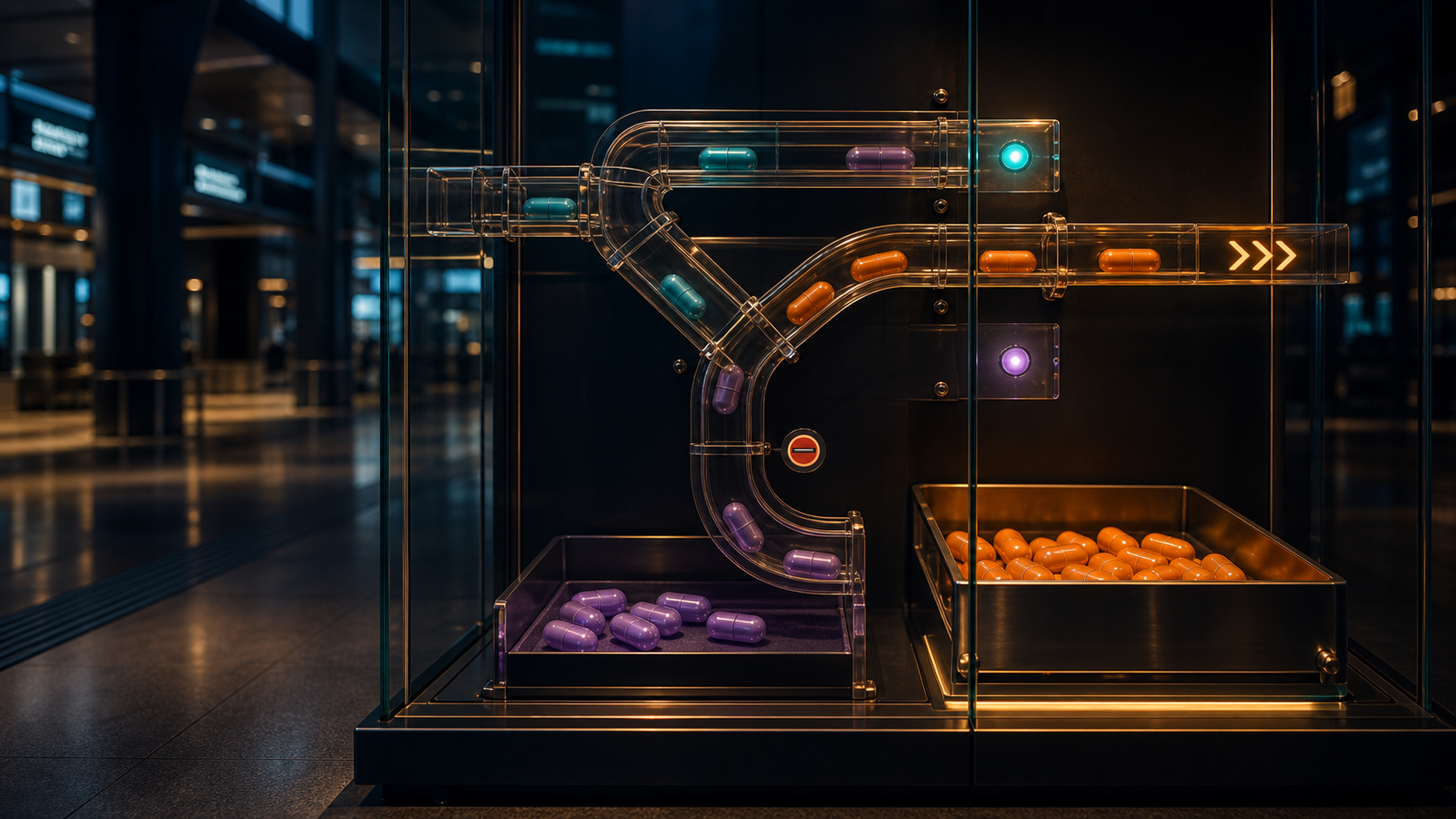
Exit rules keep automation from sending the right message after the moment has already changed.
For example, a lead nurture sequence should stop when the person books the consultation. A cart sequence should stop when the purchase happens. A winback sequence should pause if support is handling a complaint.
A sales follow-up sequence should change if the prospect becomes an active opportunity. A post-purchase sequence should not ask for a review before the customer has had enough time to experience the product or service.
Exit rules are not negative. They are part of respect.
They also improve reporting. If the wrong people stay in a flow, performance data gets muddy. The team cannot tell whether the message failed or the audience was no longer in the right moment.
Measure by the decision improved
Open rate is not enough.
Click rate is not enough either.
Email metrics matter, but automation should be measured by the decision it improves. Did the sequence help more qualified leads show up prepared? Did it reduce no-shows? Did it help first-time customers return? Did it catch confused buyers before support had to? Did it improve repeat purchase quality? Did it shorten the time between inquiry and useful action?
That connects automation to the digital marketing measurement plan, not just the email platform dashboard.

Better automation metrics include:
- Qualified response rate
- Booking or show rate
- Time to first useful response
- Sales acceptance
- Repeat purchase timing
- Review completion after a valid experience
- Support reduction
- Churn or lapse reduction
- Offer uptake by segment
- Complaint, unsubscribe, and spam signals
That keeps the team honest. A subject line can raise opens while sending the wrong people into the wrong action. A discount can raise clicks while training customers to wait. A long nurture sequence can look active while creating no better sales conversations.
The best measurement question is simple: what changed because this automation exists?
Keep the system small enough to operate
Automation can become a mess quickly.
Every new sequence adds copy, logic, data dependencies, QA, suppression rules, attribution questions, and maintenance. A company can build an impressive map that nobody trusts six months later.
Start with the flows that protect the highest-value moments.
For many teams, that means:
- 1Inquiry or conversion follow-up
- 2Sales handoff support
- 3New customer onboarding
- 4Repeat purchase or retention timing
- 5Rescue or reactivation
- 6Feedback, review, or referral
Build fewer flows with better rules. Name the owner. Review them on a real cadence. Retire messages that no longer match the offer, service, product, policy, or customer expectation.
If Sparksbox services were building the system, the first audit would not be "how many emails exist?" It would be "which moments are worth protecting, which flows are causing noise, and which signals can the business actually trust?"
What this means for AI-native marketing
AI can help write email variations, summarize behavior, generate subject lines, draft sequence maps, and spot gaps in follow-up. That is useful.
It can also make a bad automation system louder.
Ask AI to diagnose before it writes:
- Which customer moment triggers this sequence?
- What job should the first message perform?
- What promise needs continuity from the page or offer?
- Which signal should suppress the next send?
- What would make the sequence feel inappropriate?
- Which business metric should improve?
- Which message can be deleted?
The future of email automation is not infinite personalization. It is better timing, clearer handoffs, cleaner rules, and more useful messages.
Frequently asked questions
Email marketing automation strategy is the plan for when automated messages should send, what customer moment they respond to, what job each sequence performs, when the sequence should stop, and how performance should be judged.
Start with the moments closest to business value: inquiry follow-up, sales handoff, onboarding, repeat purchase, reactivation, and feedback or review requests. The best first flow is usually the one that protects a valuable action already happening.
There is no universal number. Use as many messages as the decision requires and no more. A confirmation may need one email. A complex service evaluation may need several. A retention moment may need timing, proof, and a clear reason to return.
Automation feels bad when it ignores the customer's current stage. Common problems include sending after the person already acted, pushing a generic sales message after a specific request, asking for reviews too early, overusing discounts, or failing to suppress people in the wrong context.
Yes. AI can help audit sequence logic, draft emails, summarize customer behavior, identify missing exit rules, and create test ideas. It works best when the team first defines the customer moment, message job, data signal, suppression rule, and business metric.